
Complete standard calculator
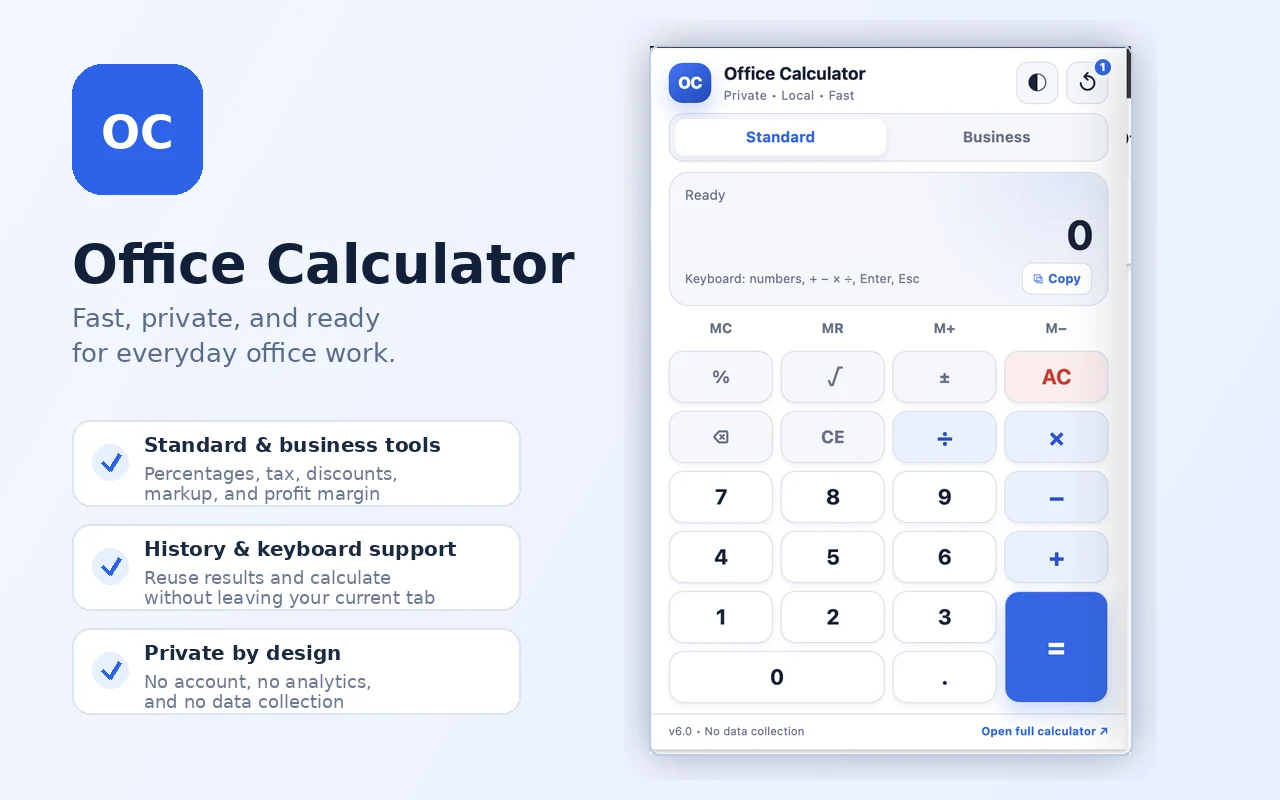
Add, subtract, multiply, divide, calculate percentages and square roots, change signs, and continue calculations using previous results.
Perform standard arithmetic, review calculation history, copy results, use your keyboard, and calculate discounts, taxes, markup, or profit margins without leaving the page you are working on.
Free · Works offline · No requested permissions · No data collection
 Built by OfficeCalculator.net
The extension keeps related calculation tools together while maintaining one clear purpose.
Add, subtract, multiply, divide, calculate percentages and square roots, change signs, and continue calculations using previous results.
Calculate percentage increase or decrease, discounts, tax, markup, profit margin, selling price, cost, and profit.
Review recent calculations, reuse a result with one click, or clear the local history whenever you choose.
Use number and operator keys, Enter, Backspace, Delete, Escape, and the dedicated square-root shortcut.
Use light, dark, or system appearance. Your preference is retained locally inside the extension.
Copy the current result and paste it into documents, spreadsheets, emails, invoices, or other work.
Office Calculator requests no Chrome permissions. Calculations are processed locally, and settings such as theme, memory, and recent history stay in the extension’s local browser storage.
Check the Chrome Web Store publication status or review the installation instructions.