
Installation
Learn how to install the public release from the Chrome Web Store and how to test an unpacked build during development.
Read installation guide →Use focused browser extensions from OfficeCalculator.net without interrupting your work. The first release brings a fast, private calculator directly to the Chrome toolbar.
No account · No requested Chrome permissions · No analytics
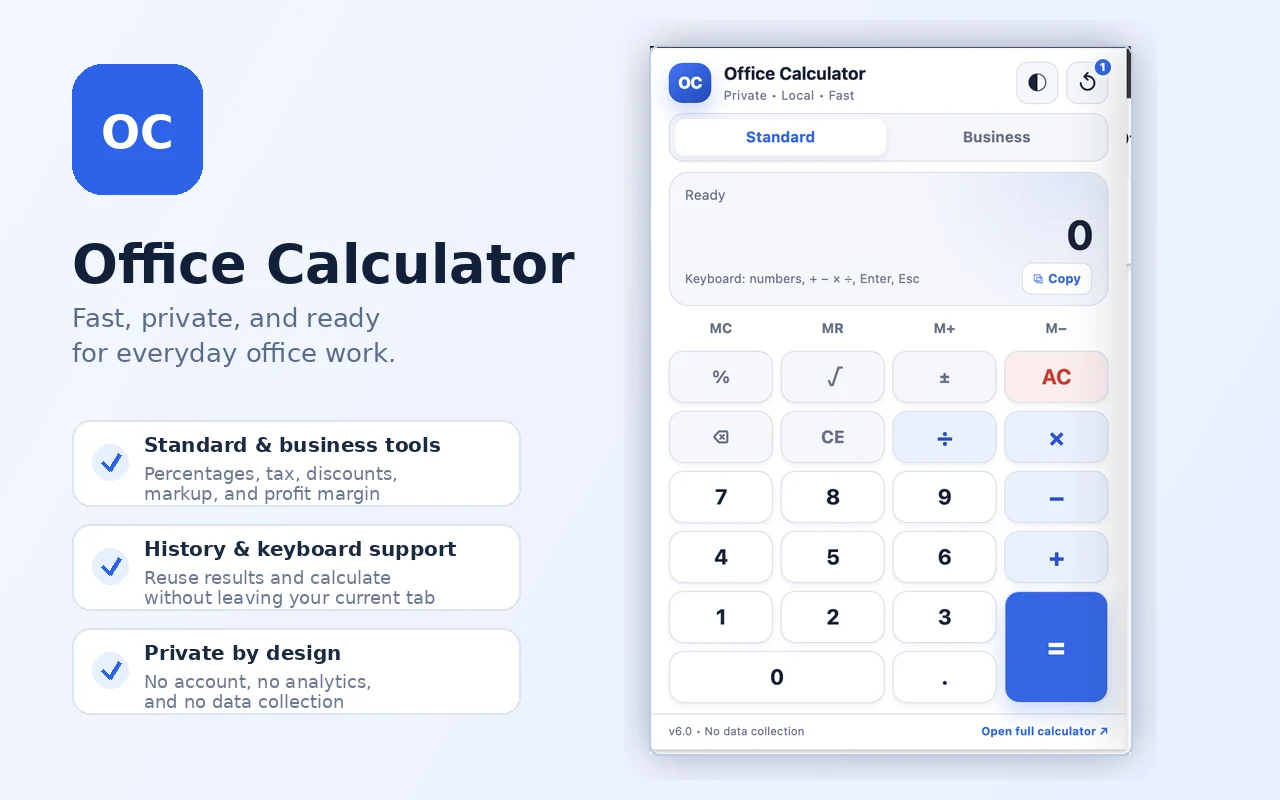
Standard arithmetic and useful business percentage tools in a clean popup designed for office workers, business owners, freelancers, teachers, and students.
Clear product information, installation guidance, support, release notes, and a dedicated extension privacy policy.
Learn how to install the public release from the Chrome Web Store and how to test an unpacked build during development.
Read installation guide →Keyboard shortcuts, history controls, business formulas, troubleshooting, and ways to report a problem.
Get support →A plain-language explanation of local processing, local storage, external links, permissions, and data handling.
Review privacy policy →Open OfficeCalculator.net for a larger workspace and additional dedicated calculators.