Apply this guide to your own numbers using the Scientific Calculator Mode.
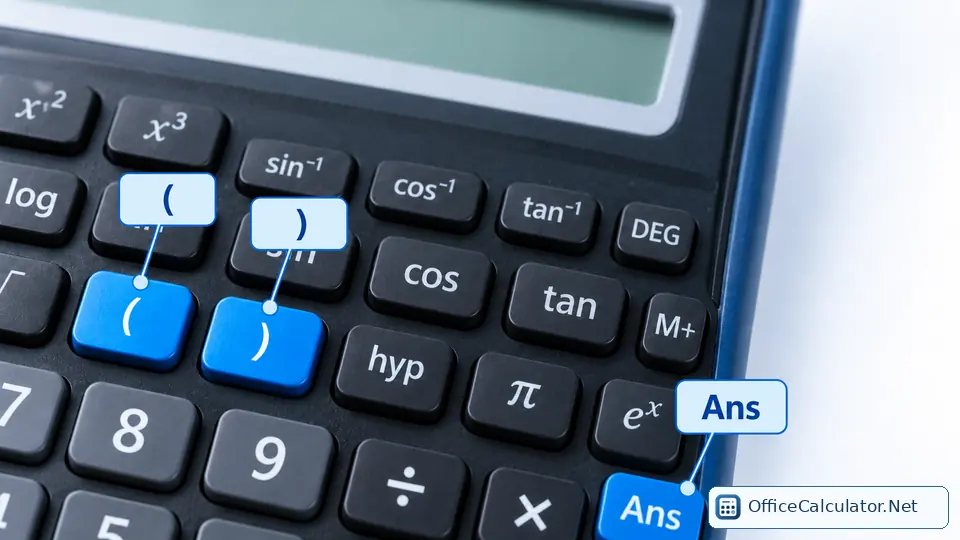
Level 1: parentheses, signs and order of operations
1. 7 + 3 × 4
Answer: 19. Multiplication happens before addition.
2. (7 + 3) × 4
Answer: 40. Parentheses change the order.
3. (−5)²
Answer: 25. Keep the negative base in parentheses.
4. 18 ÷ (2 + 1)
Answer: 6.
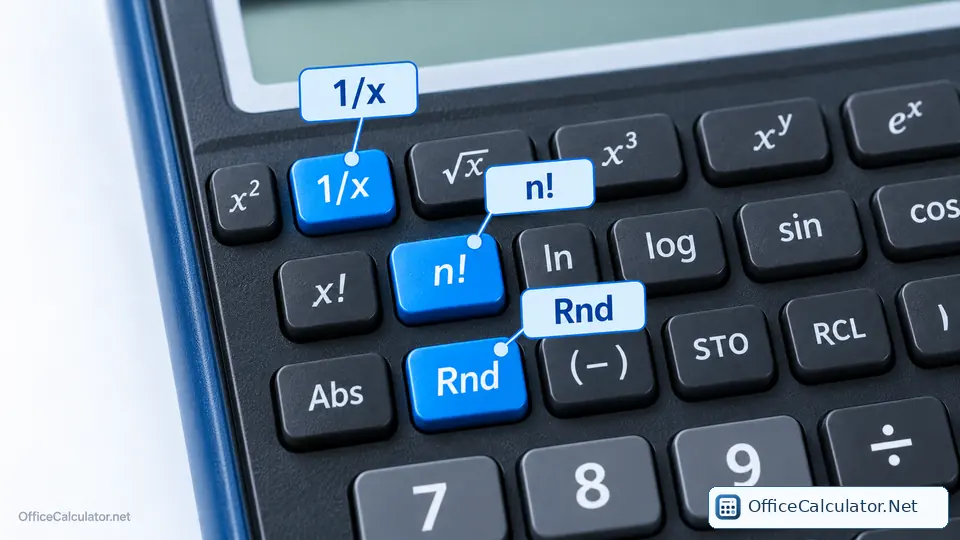
Level 2: powers, roots and reciprocals
5. 14²
Answer: 196.
6. √196
Answer: 14.
7. 2^10
Answer: 1024.
8. 125^(1/3)
Answer: 5. This is a cube root entered as a fractional exponent.
9. 1/16 using the reciprocal key
Answer: 0.0625.
Level 3: fractions and scientific notation
10. 2/3 + 1/6
Answer: 5/6 ≈ 0.833333...
11. Convert 3/8 to decimal
Answer: 0.375.
12. Enter 4.2 × 10^5 with EXP/EE
Answer: 420,000.
13. Enter 7.5 × 10^-4
Answer: 0.00075.
Level 4: trigonometry
Set the calculator to DEG mode for exercises 14-17.
14. sin(30°)
Answer: 0.5.
15. cos(60°)
Answer: 0.5.
16. tan(45°)
Answer: 1.
17. tan^-1(8/6)
Answer: about 53.1301°.
18. Switch to RAD mode: sin(π/6)
Answer: 0.5.
Level 5: logs and exponentials
19. log(1000)
Answer: 3.
20. ln(e)
Answer: 1.
21. 10^4
Answer: 10,000.
22. e^0.5
Answer: about 1.64872.
23. log2(32) using change of base
Answer: log(32)/log(2)=5.
Level 6: mixed student problems
24. Geometry: hypotenuse 20, angle 35°. Find the opposite side.
Answer: 20×sin(35°) ≈ 11.4715.
25. Physics: KE = 1/2 mv² for m=3 and v=8.
Answer: 0.5×3×8² = 96.
26. Algebra: (5² + √81) ÷ 2
Answer: (25+9)/2 = 17.
27. Scientific notation: (3×10^6)(2×10^-3)
Answer: 6×10³ = 6000.
28. Use Ans: calculate 15×4, then divide the answer by 6.
Answer: 10. First result is 60; Ans÷6=10.
Level 7: memory and workflow
29. Clear memory, add 25 with M+, add 17 with M+, then recall.
Answer: 42.
30. Start with memory 100, subtract 35 with M−, then recall.
Answer: 65.
How to use these exercises effectively
- Write an estimate before pressing any key.
- Name the key family you expect to use.
- Enter the expression and inspect the display.
- Open the answer only after you commit to a result.
- If wrong, decide whether the issue was mathematics, mode, key choice or data entry.
- Repeat the same type with different numbers until the process feels automatic.
For a quick reference while practicing, open or print the scientific calculator keys cheat sheet.
Frequently asked questions
How do I practice a scientific calculator effectively?
Practice one key family at a time, estimate first, check your mode and review why any wrong answer occurred before moving on.
Should I memorize calculator button sequences?
Memorize the mathematical function and a small number of common workflows. Exact button sequences vary by model, so understanding the function is more transferable.
What should I practice before trigonometry?
Be comfortable with parentheses, powers, roots, fractions and the DEG/RAD setting first.
Can I practice these exercises on OfficeCalculator.Net?
Yes. The homepage Scientific mode supports trigonometry, inverse trig, roots, powers, logs, constants, factorial and angle modes. Some physical-calculator features such as named variables may differ.
Open the main calculator, choose Scientific, and try the examples with your own values.
Try the steps with your own inputs in the Scientific Calculator Mode.