Apply this guide to your own numbers using the Scientific Calculator Mode.
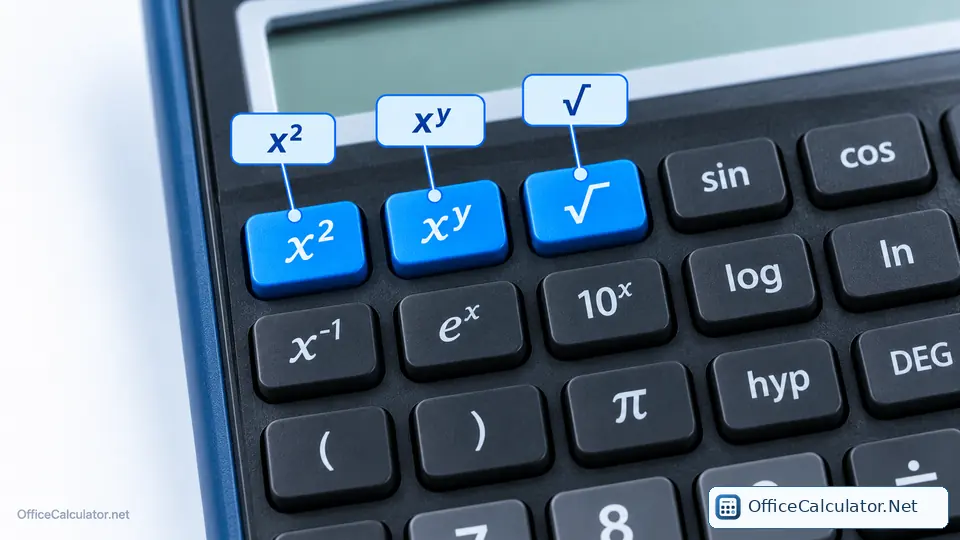
Common power, root and fraction key signs
| Key | Purpose | Example | Result |
|---|---|---|---|
| x² | Square the current value | 15² | 225 |
| √ | Square root | √225 | 15 |
| xʸ / ^ | Raise x to any power y | 3^5 | 243 |
| x⁻¹ / 1/x | Reciprocal | 1/16 | 0.0625 |
| a b/c / n/d | Enter fractions | 2/3 + 1/6 | 5/6 |
| S⇔D / F⇔D | Fraction/decimal conversion | 3/8 ↔ decimal | 0.375 |
How to use x² and the general power key
The square key is a shortcut for exponent 2. If you need any other exponent, use xʸ, yˣ or ^ depending on the model. For 7³, enter 7, the general power key, then 3. The result is 343.
Be careful with negative bases. Mathematically, (−3)² = 9, while −3² = −9 under standard order of operations because the exponent applies before the leading negation. Parentheses remove the ambiguity.
Square roots, cube roots and nth roots
√ is the inverse of squaring. If a calculator does not provide a dedicated cube-root or nth-root key, you can use a fractional exponent:
For example, the cube root of 125 is 125^(1/3)=5. The fifth root of 32 is 32^(1/5)=2.
How fraction keys work
Many school scientific calculators provide a fraction template key such as a b/c or n/d. Some models show the fraction in textbook form; others use a linear numerator/denominator format. Enter the numerator and denominator in the template, then use the calculator's fraction/decimal conversion command if you need a decimal.
Example: adding fractions
2/3 + 1/6 = 4/6 + 1/6 = 5/6. The decimal form is approximately 0.833333….
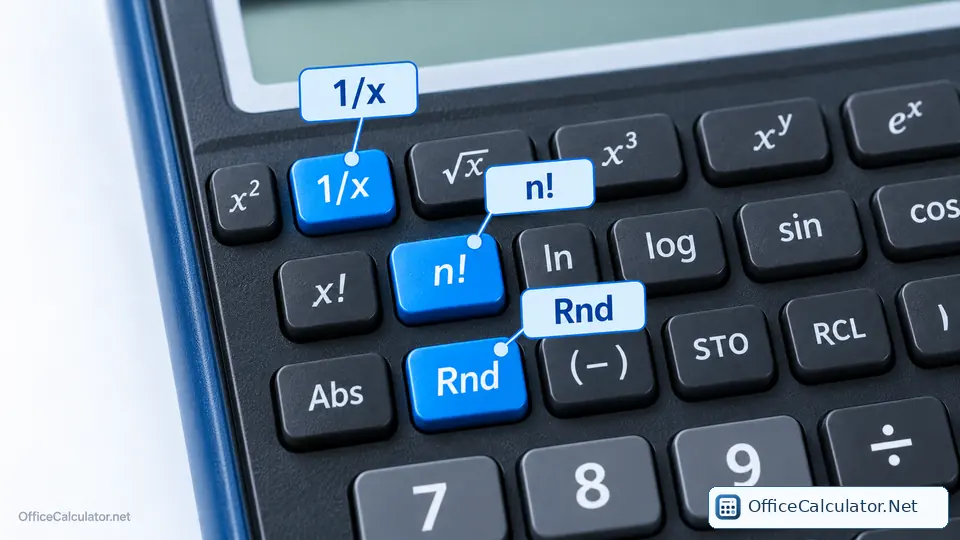
What does 1/x or x⁻¹ mean?
The reciprocal key calculates 1 divided by the number. It is not the same as inverse sine or another inverse function. For example, the reciprocal of 8 is 1/8=0.125.
Why parentheses and order of operations matter
Scientific calculators generally follow a defined order of operations. A model may also distinguish between a negative sign and subtraction. Use parentheses when the intended grouping could be unclear.
Practice sequence for students
- Square five integers, then reverse each with √.
- Use xʸ for powers such as 2⁸, 3⁵ and 10⁻³.
- Convert three simple fractions to decimals and back where supported.
- Calculate an nth root using x^(1/n).
- Mix parentheses with powers only after the individual keys are comfortable.
Common mistakes
- Forgetting parentheses around a negative base.
- Entering 1/n incorrectly when using a fractional exponent for a root.
- Assuming a decimal approximation is more exact than a displayed fraction.
- Using the reciprocal key when the problem asks for an inverse function such as sin⁻¹.
Frequently asked questions
What key raises a number to any power?
Look for x^y, y^x, ^ or a similar power symbol. The exact label varies by model.
How do I calculate a cube root without a cube-root key?
Use x^(1/3). For example, 125^(1/3)=5.
What does x^-1 mean on a calculator?
When used as the reciprocal key, it means 1/x. This is different from inverse trigonometric notation such as sin^-1.
Why does (-3)^2 differ from -3^2?
Parentheses make -3 the base being squared. Without parentheses, standard order of operations squares 3 first and then applies the negative sign.
Open the main calculator, choose Scientific, and try the examples with your own values.
Try the steps with your own inputs in the Scientific Calculator Mode.