Practice ten-key entry from a physical keyboard using our Standard Calculator with Keyboard Support.
What is a ten-key calculator?
“Ten-key” refers to the ten decimal digit keys 0 through 9. In office work, the term often means a calculator or adding-machine layout optimized for fast number entry, especially with a physical numeric keypad.
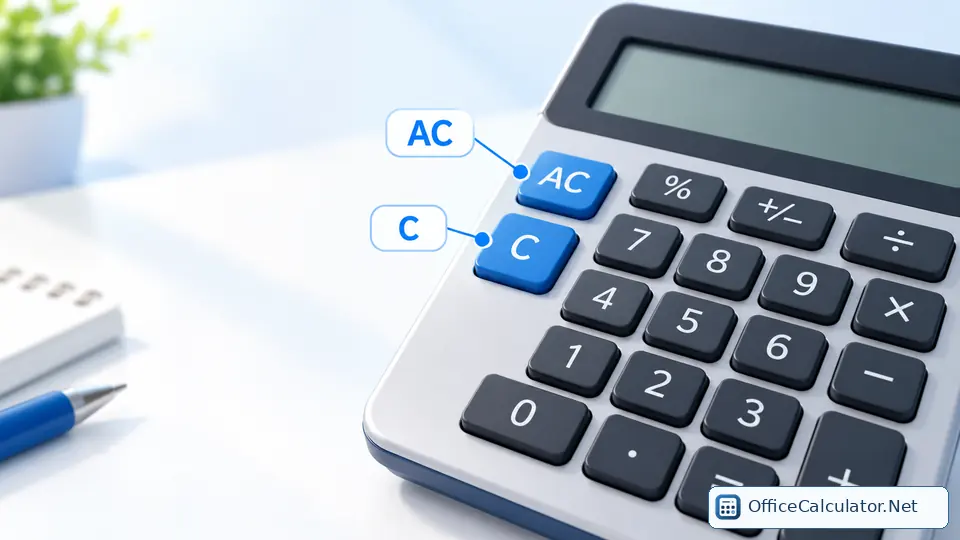
Calculator keypad layout
| 7 | 8 | 9 |
| 4 | 5 | 6 |
| 1 | 2 | 3 |
| 0 | . | |
This differs from many telephone keypads, which put 1-2-3 on the top row.
Using the computer keyboard with OfficeCalculator.Net
The main Office Calculator supports number keys, common operators, Enter, Backspace/Delete and Escape/C. The matching on-screen key lights as you type, so desktop users can work without moving repeatedly between keyboard and mouse.
Ten-key calculator versus adding machine
A calculator focuses on arithmetic results. Traditional adding machines often emphasize a running tape and accounting-style entry. Modern online calculators can combine both ideas by supporting fast numpad input and keeping a visible calculation history.
How to improve ten-key speed
- Keep your hand anchored around the 5 key.
- Use the same fingers for consistent columns.
- Practice accuracy before speed.
- Use Enter and operator keys rather than reaching for the mouse.
- For guided keyboard entry practice, use the TypingTutor numpad course.
Frequently asked questions
Can I use the numeric keypad with OfficeCalculator.Net?
Yes. The main calculator supports physical keyboard and numpad input for common arithmetic.
Why is the calculator keypad upside down compared with a phone?
Calculator/cash-register keypads traditionally place 7-8-9 on top, while telephone keypads place 1-2-3 on top.
What is an adding machine?
An adding machine is a calculation device traditionally optimized for repetitive totals, often with a printed or visible tape.
Is ten-key practice useful for office work?
It can improve speed and consistency for data entry, accounting, inventory and other number-heavy tasks.
Open the matching OfficeCalculator.Net tool and test the examples with your own values.
Try the ten-key practice steps in the Standard Calculator with Keyboard Support.